Turbo8TURBO8
获取Get it

● AI PIXEL GAME STUDIO

万能像素
游戏生成器

Universal
Pixel Game Generator

一句话,生成一款能玩的像素游戏。
平台跳跃、太空射击、潜行、骑行、剧情冒险——说出来,Turbo8 帮你做出来。

Describe a game in one sentence. Get a playable pixel game.
Platformers, shooters, stealth, cycling, story adventures — say it, and Turbo8 builds it.

推荐模型:GPT‑6.2 Astra。

Recommended model: GPT‑6.2 Astra.

>▌
▼ 生成▼ GENERATE
SUPER AI DEMO

02 / AI STUDIO 真实对话02 / AI STUDIO, REAL SESSION

你说想法,AI 动手做。

You bring the idea. The AI does the work.

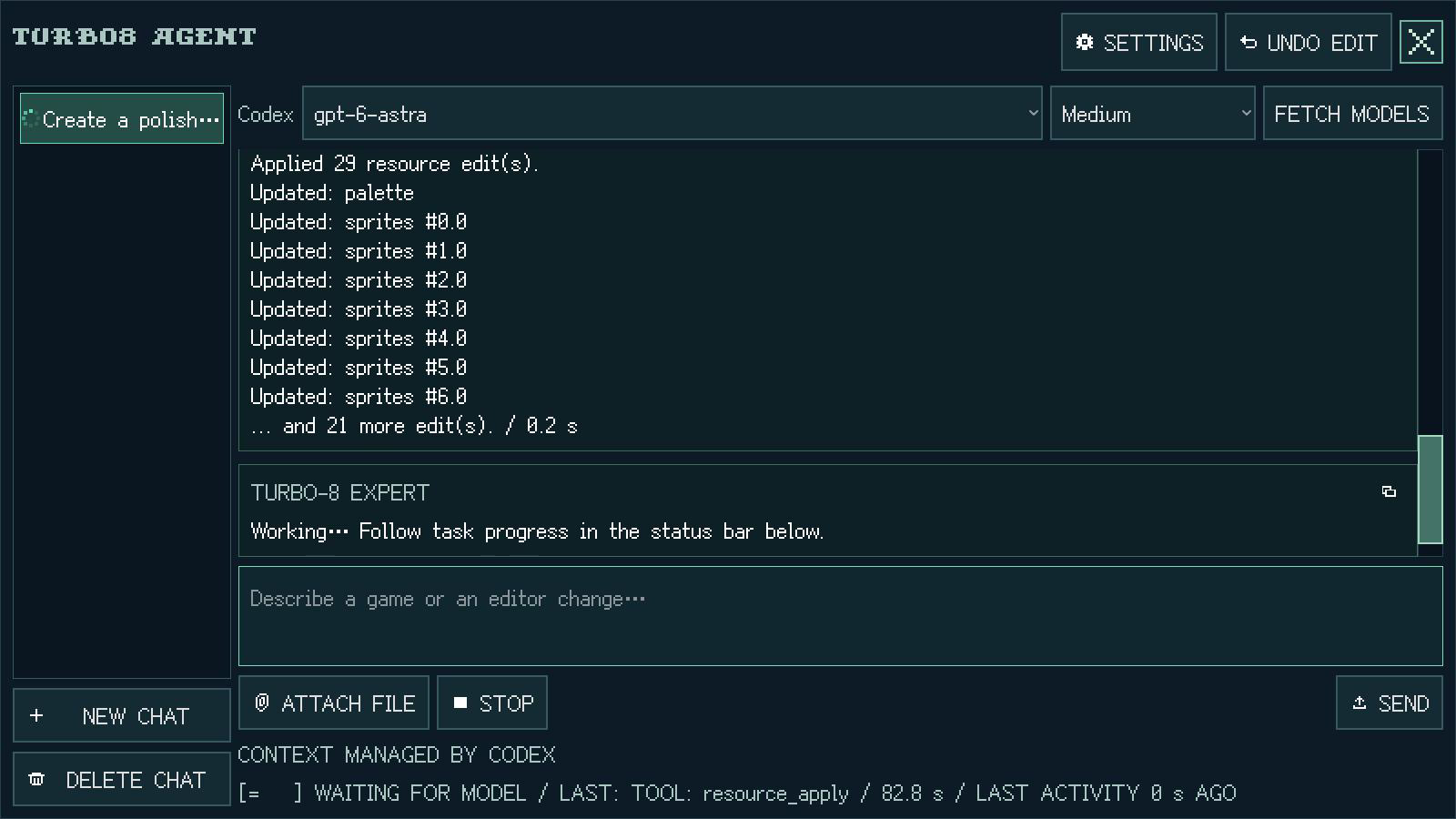
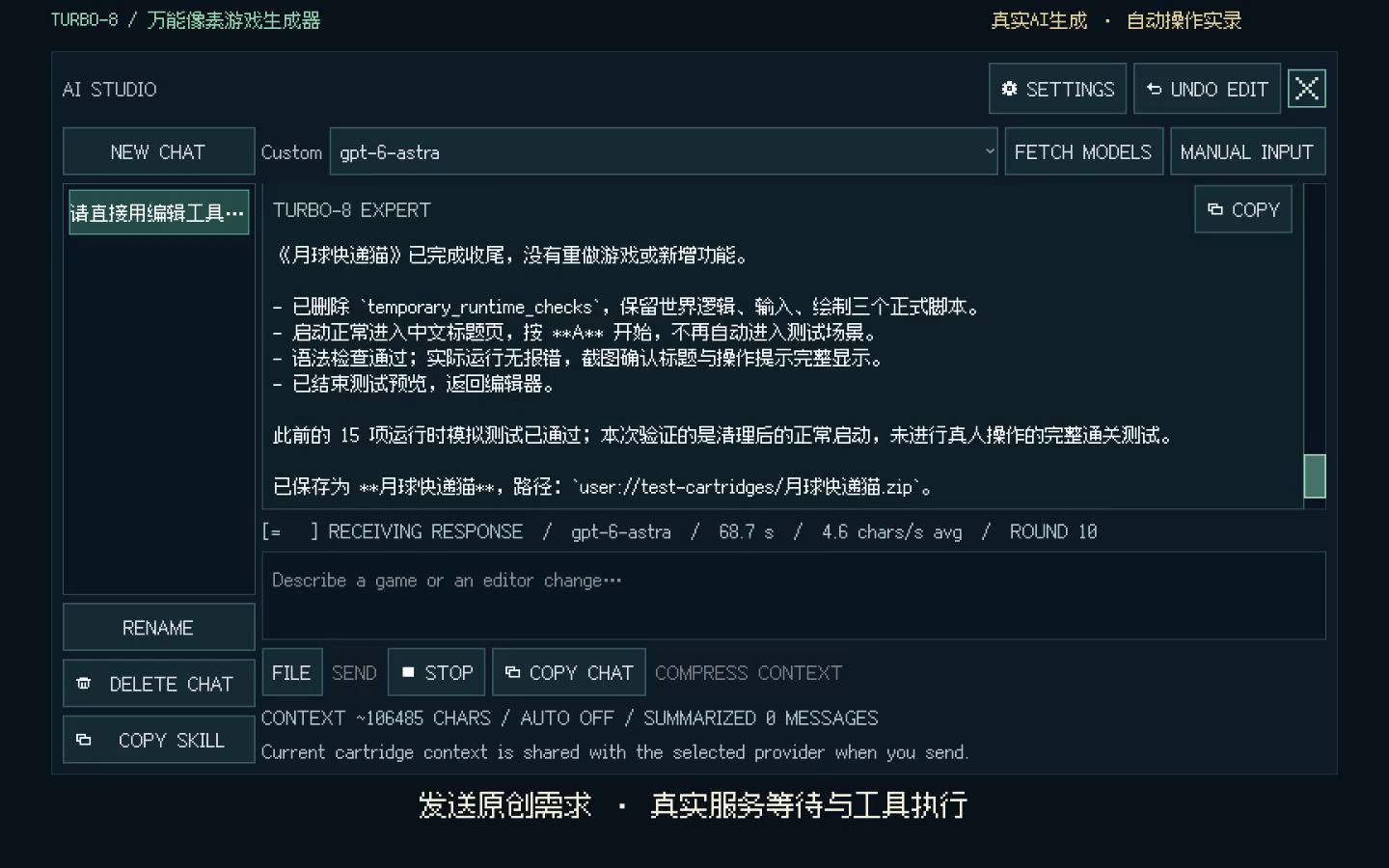
AI 直接调用编辑器:读资源、写脚本、画精灵、铺地图、运行测试、截图检查、保存卡带。每一步都在对话里看得见。

The AI drives the editor directly: it reads resources, writes scripts, draws sprites, paints maps, runs tests, checks screenshots and saves the cartridge. Every step is visible in the chat.

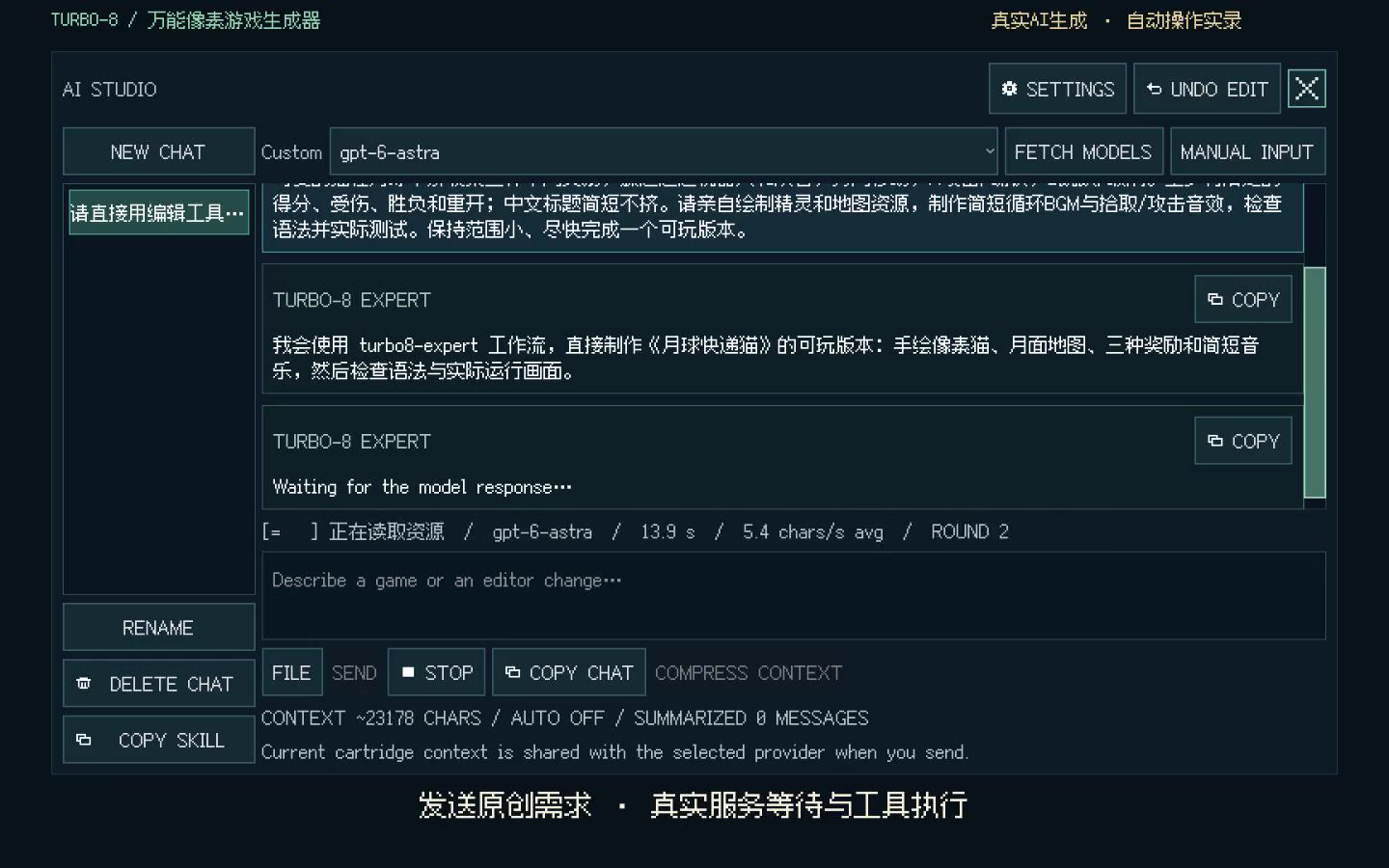
  1. AI Studio request English AI Studio request and plan 1 · 提出需求1 · Ask 用自然语言描述玩法,AI 回复制作思路。Describe the gameplay in plain words; the AI replies with a plan.
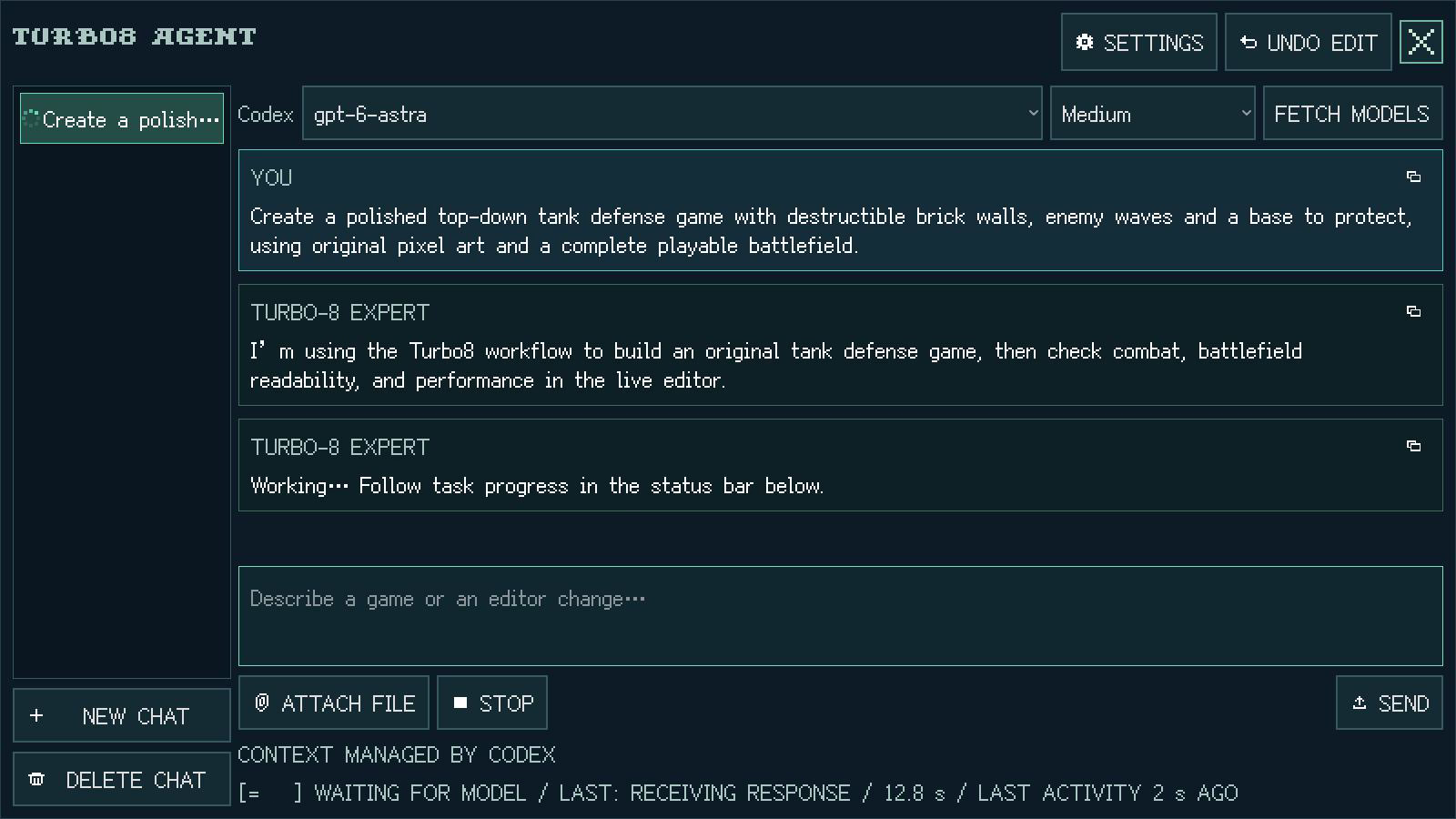
  2. AI Studio editing resources English AI Studio resource editing 2 · 动手制作2 · Build 生成素材与地图,修改多个脚本。It creates art and maps and edits several scripts.
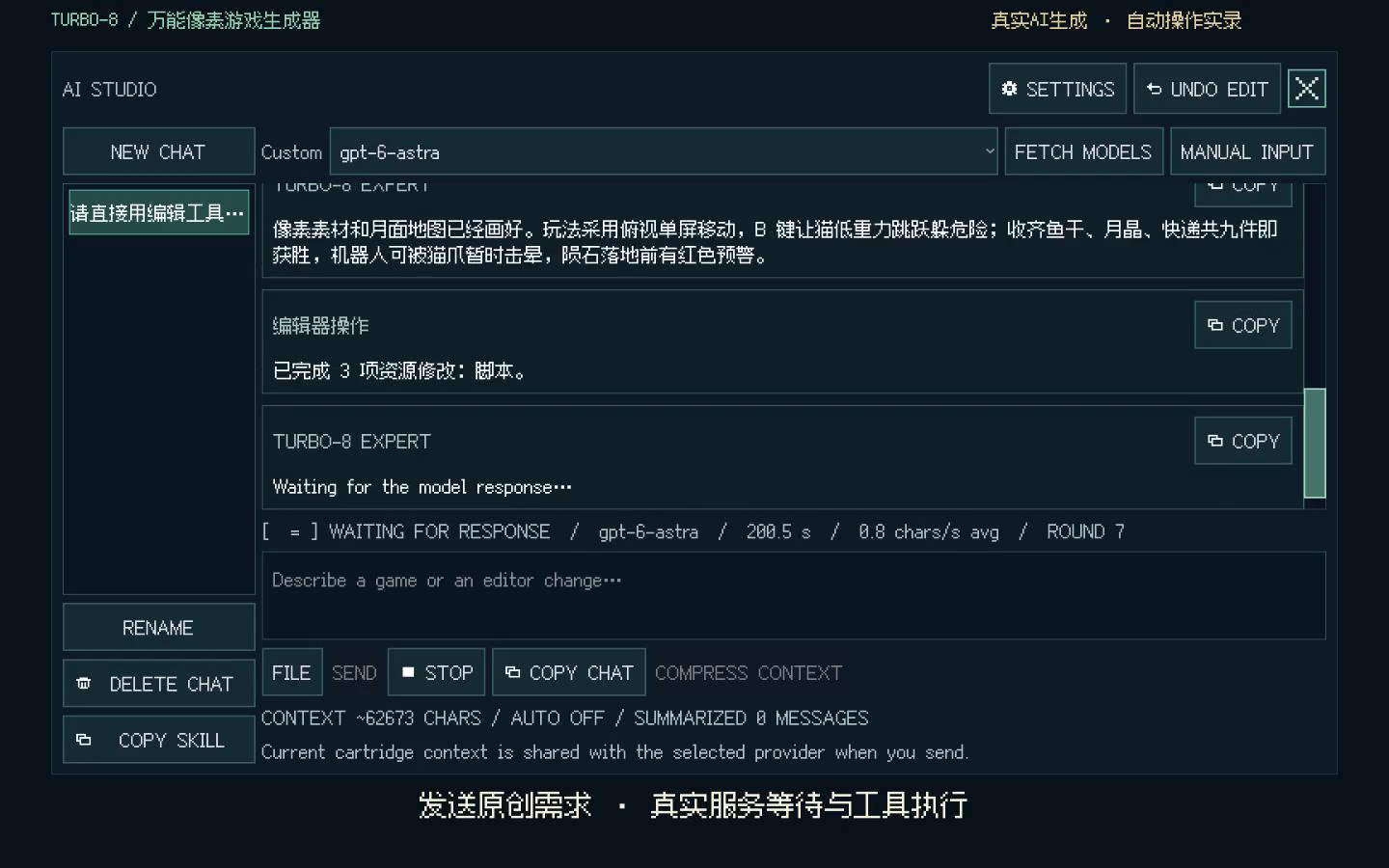
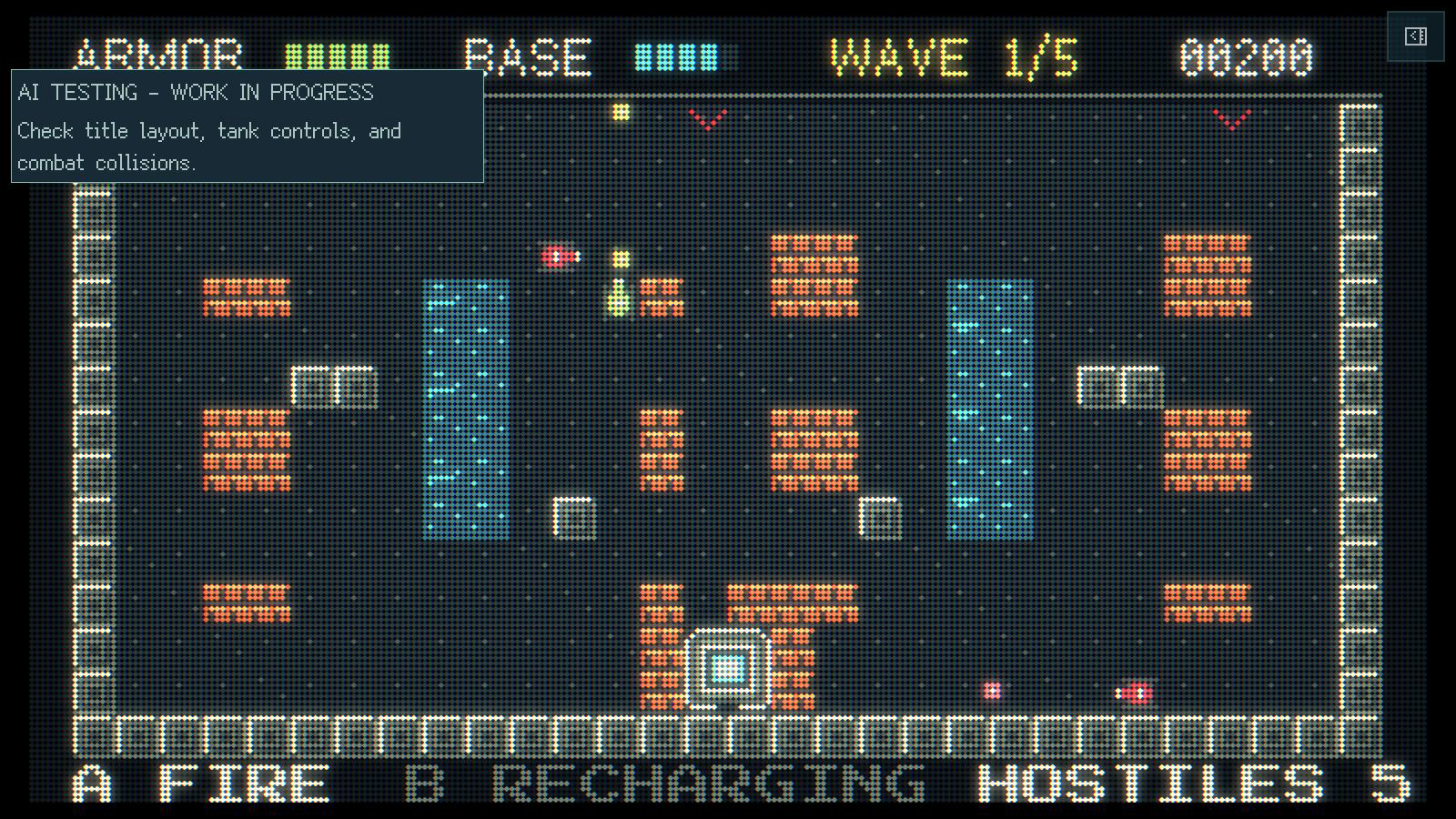
  3. AI Studio test and save English AI gameplay test in progress 3 · 测试交付3 · Playtest 语法检查、启动测试、保存卡带。Run the game and check controls, combat and collisions.

截图来自《月球快递猫》的真实创作录屏,共两轮对话完成。

Screenshots come from a real English-language tank-game creation session: the request, resource edits and gameplay testing.

03 / FC · GBA · CPS-1 街机03 / NES · GBA · CPS-1 Arcade

把 ROM 转成 Turbo8 JavaScript 卡带

Turn a ROM into a Turbo8 JavaScript cartridge

支持的 ROM 转换后,就是一张完整的 Turbo8 卡带。和普通卡带一样,你可以在编辑器里打开它,修改 JavaScript 脚本、精灵等资源,也可以让 AI 帮你扩展玩法,再运行卡带试玩。例如:

A supported ROM converts into a complete Turbo8 cartridge. Open it in the editor like any other cartridge to edit its JavaScript scripts, sprites and other resources. You can also ask AI to extend the gameplay, then run the cartridge to try your changes. For example:

  • 换角色形象:把主角从小狗换成太空猫,为走路、跳跃和开火换上对应的动画。
  • 改画面尺寸:把画布改成宽屏,重新安排游戏区域、分数和血条的位置。
  • 加入 AI 代打:让 AI 根据敌人的位置控制角色移动、接近和攻击,按键即可切回手动操作。
  • Change the character: Turn the dog into an astronaut cat with matching walk, jump and firing animations.
  • Resize the game: Switch to a widescreen canvas and rearrange the play area, score and health bar to fit.
  • Add AI autoplay: Let the AI move into range and attack based on enemy positions. Press a button to take over.

04 / 完整的像素工作室04 / A COMPLETE PIXEL STUDIO

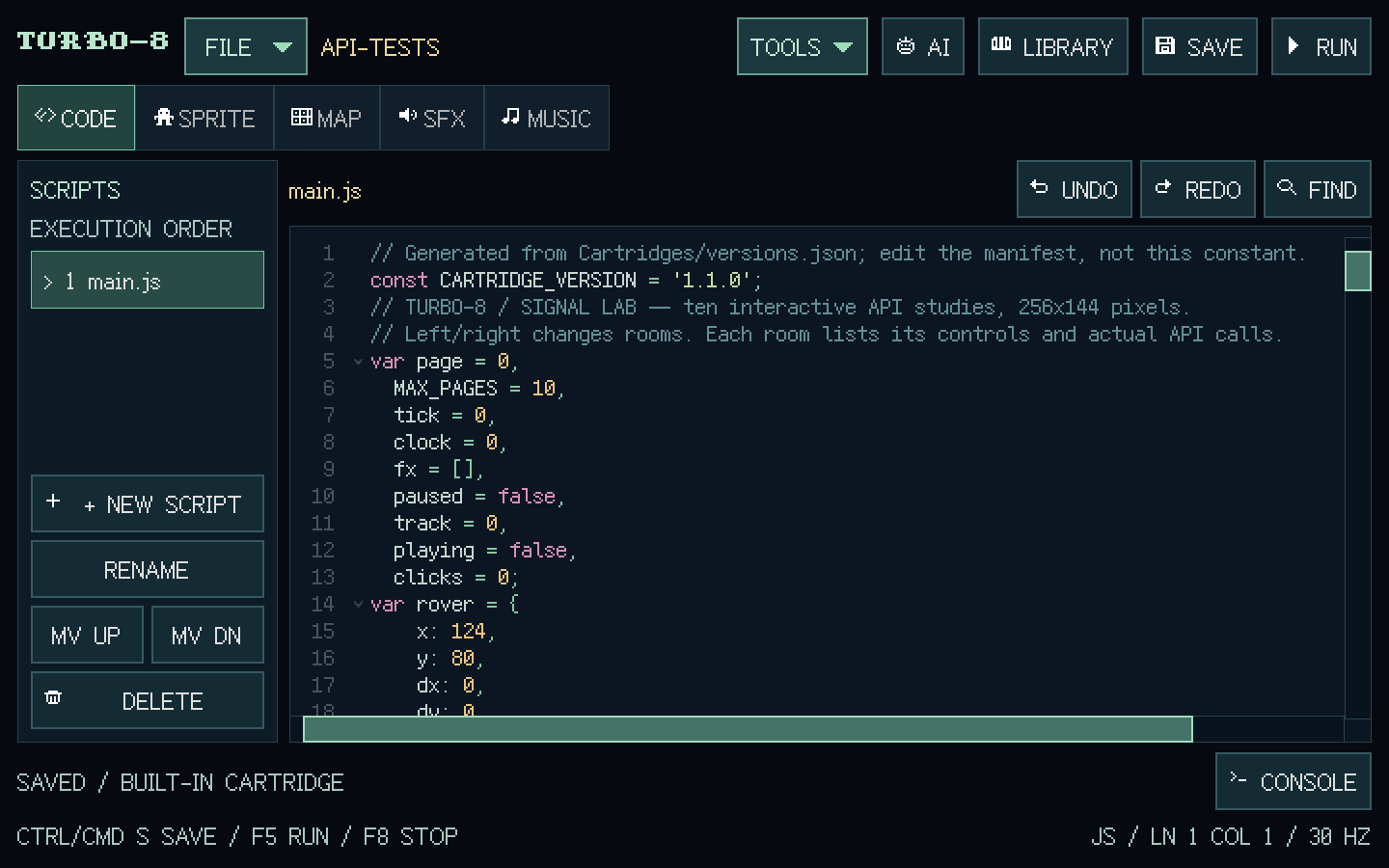
生成之后,每个细节都能亲手改。

After generating, tweak every detail yourself.

05 / 后处理效果05 / POST-PROCESSING

像素之外,还有风格。

Beyond pixels, a style of your own.

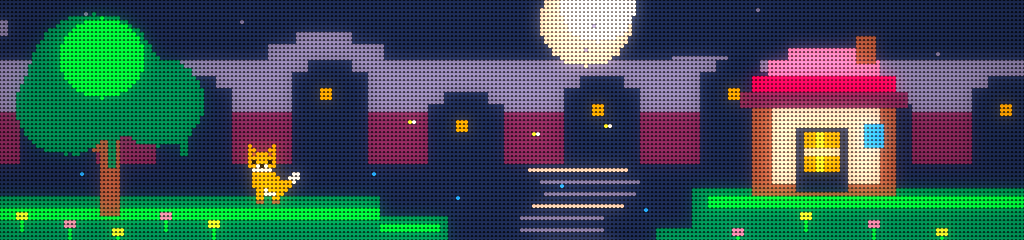
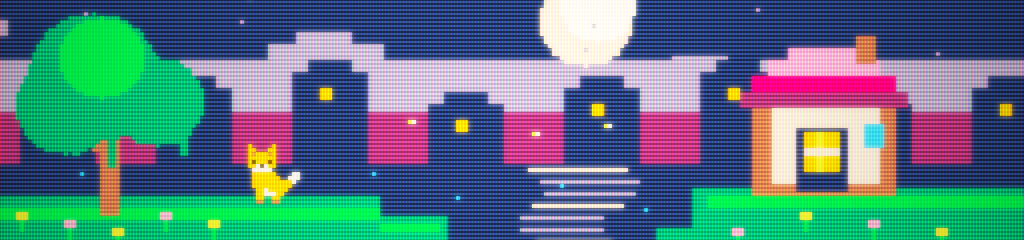
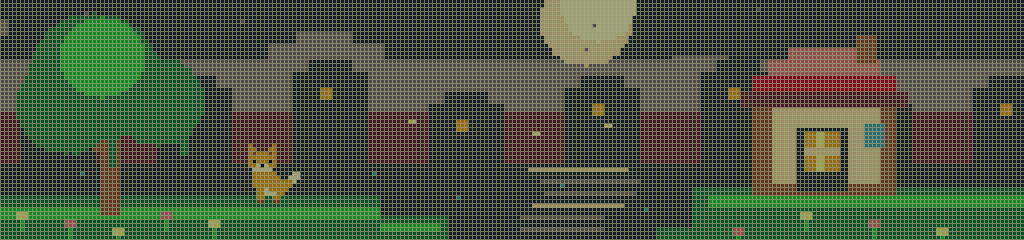
从复古扫描线到掌机点阵,切换这些预设示例看看不同质感,也能调出自己的屏幕风格。

From retro scanlines to handheld pixel grids, explore a selection of presets — then fine-tune the settings to make the screen your own.

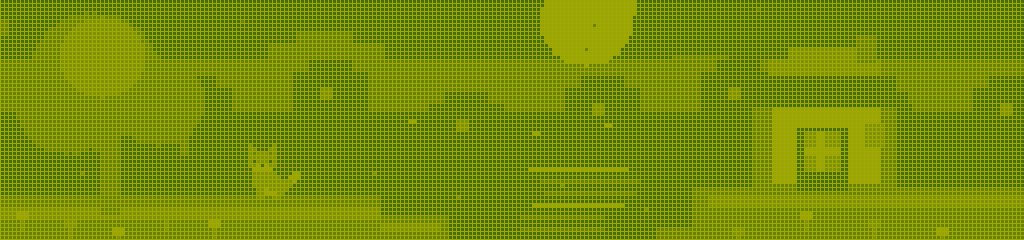
单色掌机 · 1 / 4
Monochrome Handheld

保留像素原尺寸与屏幕背景色,掌机效果可见液晶面板底色。小屏可滚动查看完整画面,点击图片可单独查看。

Native-size pixels with the screen background intact, including the handheld LCD panel tint. Scroll on smaller screens or click to view the full image.

06 / CMD:终端也能玩06 / CMD: A PLAYFUL TERMINAL

敲几行命令,玩出点花样。

A command line with a playful side.

打开内置 CMD 卡带,用命令浏览卡带、运行游戏,或编辑 Player 卡带的脚本与 JSON。工作之余,让代码变成迷宫,让屏幕下起字符雨。

Open the built-in CMD cartridge to browse cartridges, launch games, or edit a Player cartridge's scripts and JSON. Then turn your code into a playground — or let digital rain take over.

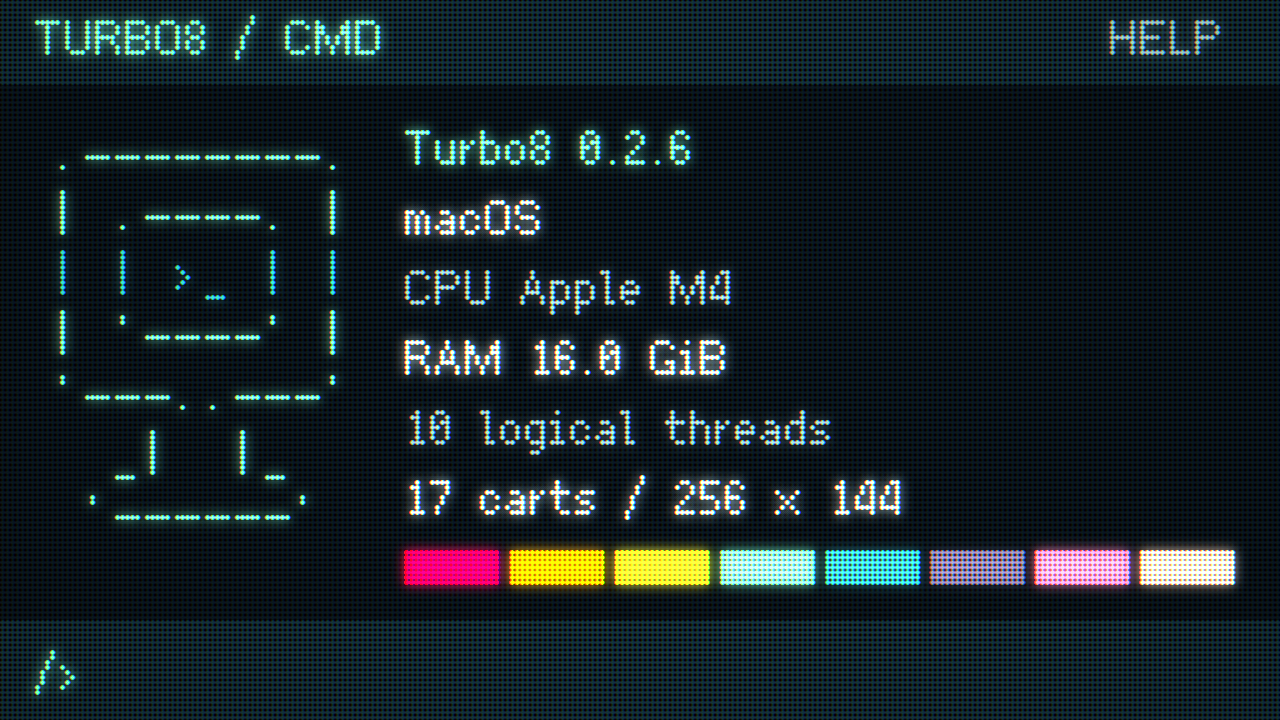
CMD neofetch: ASCII monitor and system information — Classic, 1280×720

neofetch

ASCII 小显示器、系统信息、逐字打印和键盘音效。一张卡带,就是一台像素终端。

An ASCII monitor, system info, a moving cursor and keyboard clicks. A tiny pixel terminal inside a cartridge.

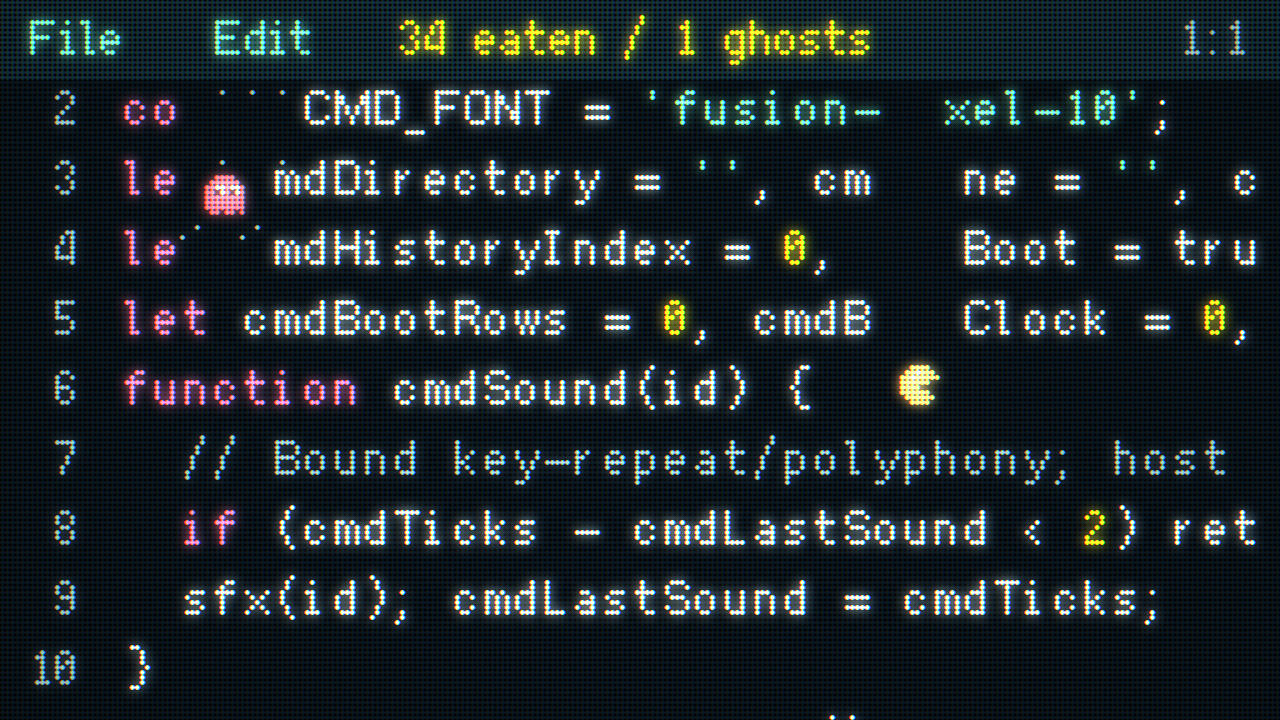
Pacman moving through code in the CMD file editor — Classic, 1280×720

pacman <file>

在字符间跳跃、吃字,躲避四种性格的幽灵。黄色字符带来驱鬼能力;退出后文本完整恢复。

Jump between characters, eat your way through code and dodge four ghost personalities. Yellow glyphs power you up; leaving restores every character.

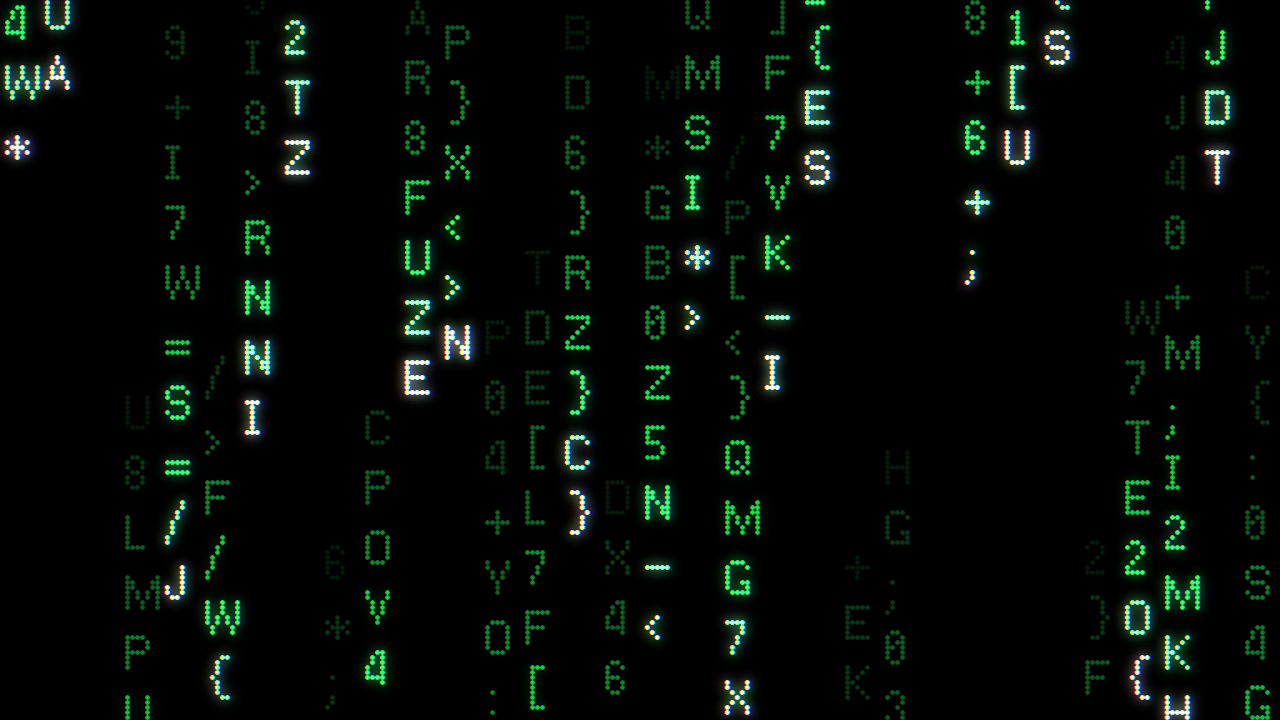
Matrix command: green digital character rain on a black screen — Classic, 1280×720

matrix

黑底、绿字、随机流速与渐暗拖尾。让字符雨接管屏幕,按任意键或轻点屏幕返回。

Green glyphs, varied speeds and fading trails on deep black. Start the digital rain; press any key or tap to return.

应用内真实运行截图,点击放大。CMD 的卡带目录与文件操作仅在 Turbo8 应用内可用;不是系统 Shell。

Actual in-app captures — click to enlarge. CMD's cartridge library and file tools run inside Turbo8, not in exported web games. This is not an operating-system shell.

07 / 规格07 / SPECS

小小画布,完整引擎。

Tiny canvas. Complete engine.

分辨率Resolution
Custom

256×144(默认)、128×128、256×240(FC)、240×160(GBA),也可自定义。256×144 (default), 128×128, 256×240 (FC), 240×160 (GBA), or a custom size.

脚本Scripting
JavaScript

V8 运行时,多脚本按逻辑拆分V8 runtime, code split across many scripts

精灵 / 图块Sprites / tiles
8×8

4,096 个(转换的大型游戏最多 16,384),自定义调色板4,096 (up to 16,384 for large converted games), custom palette

地图Maps
64 张64

多图层,支持 Tiled JSONMulti-layer, Tiled JSON support

声音Sound
256 + 256

音效与四通道音乐各 256 项256 SFX and 256 four-channel songs

逻辑帧率Logic rate
30/60/120

Hz 可切换Hz, switchable

发布Publish
HTML5

网页游戏、卡带 ZIP、Android APK(Beta),或提交到在线卡带库Web game, cartridge ZIP, Android APK (Beta), or submit to the online library

画面Display
CRT

点阵、扫描线、辉光后处理预设Dot-matrix, scanline and glow presets

API TEST LIVE

亲手试试这块小画布:绘图、精灵、地图、声音、输入与动态后处理。

Try the tiny canvas yourself: drawing, sprites, maps, sound, input and live post-processing.

← / → 翻页,也可点击画面底部。后处理页用 ↑ / ↓ 切换效果,A 切换自动,B 恢复设置;鼠标和触屏也能操作。键盘 J/Z = A,K/X = B。

← / → change pages, or tap the footer. On the effects page: ↑ / ↓ select, A toggles AUTO, B restores settings. Mouse and touch work too. Keyboard J/Z = A, K/X = B.

按播放器自己的 PLAY 开始;STOP 停止画面与声音但保留此处的播放器。与作品试玩共用一个播放器。

Press the player's own PLAY to start. STOP ends playback and audio while leaving the player here. It shares one player with the game demos.
08 / Q&A

常见问题

Questions & answers

如何修改按键映射?

默认:方向键 / WASD 移动,J / Z 为 A 键,K / X 为 B 键。

编辑器里:运行游戏后按 Esc 打开侧栏 → RUN DISPLAY → INPUT 标签页;也可以从 TOOLS → INPUT SETTINGS 进入。虚拟摇杆和 A/B 按钮的位置可以拖动调整。

网页版游戏里:点右上角 ≡ 菜单 → KEY BINDINGS。每个动作最多绑定 3 个键:选中键位后按下新键,Delete 删除,Esc 取消;RESET DEFAULT KEYS 恢复默认。设置会保存在浏览器里。

后处理效果怎么调?

在 RUN DISPLAY → EFFECTS(网页版在 ≡ 菜单 → POST PROCESSING)选择预设:CLASSIC(默认,点阵 + 辉光)、RETRO DOT(CRT 荧光点)、RETRO LINE(CRT 扫描线)。

每种效果都能单独开关、展开调参数;调好后点 SAVE AS USER 存成自己的 USER 预设。导出网页游戏时会带上当前效果,玩家也可以在网页里自行调整。想要最锐利的像素边缘,可以关闭 RGB 偏移和辉光。

如何移植老游戏?

在 PORT WITH AI 中选择 FC(.nes)、GBA(.gba)或街机(支持的 CPS-1 ROM 集 .zip)。FC 和 GBA 还可将支持的游戏函数展开为 JavaScript,供 AI 修改。

做好的游戏怎么发布?

点 PUBLISH,选择发布方式:

  • ONLINE:提交到 Turbo8 在线卡带库,审核通过后其他玩家可以在应用里下载游玩。
  • CARTRIDGE ZIP:可再次导入编辑的卡带文件,可选择混淆代码。
  • WEB GAME (HTML5):得到一个 ZIP。上传到 itch.io 时选 HTML 项目并勾选 “在浏览器中运行”,或解压后放到任意静态网站。网页包里只有游戏本身,不含编辑器、AI 对话和 API Key。
  • ANDROID APK (BETA):导出可直接安装的独立安卓游戏。
How do I change the key bindings?

Defaults: arrow keys / WASD to move, J / Z for A, K / X for B.

In the editor: while a game runs, press Esc to open the sidebar → RUN DISPLAY → INPUT tab, or go to TOOLS → INPUT SETTINGS. The virtual joystick and A/B buttons can be dragged into place.

In exported web games: open the ≡ menu → KEY BINDINGS. Each action takes up to 3 keys: select a slot and press the new key; Delete removes it, Esc cancels, and RESET DEFAULT KEYS restores the defaults. Settings are saved in the browser.

How do I adjust post-processing effects?

In RUN DISPLAY → EFFECTS (web games: ≡ menu → POST PROCESSING), pick a preset: CLASSIC (default, dot matrix + glow), RETRO DOT (CRT phosphor dots) or RETRO LINE (CRT scanlines).

Every effect can be toggled and fine-tuned; press SAVE AS USER to keep your own USER preset. Web exports ship with your current effects, and players can adjust them too. For the crispest pixel edges, turn off RGB shift and bloom.

How do I port an existing game?

In PORT WITH AI, choose NES (.nes), GBA (.gba) or Arcade (a supported CPS-1 ROM set in a .zip). For NES and GBA, Turbo8 can also expand supported game routines into JavaScript for AI editing.

How do I publish my game?

Click PUBLISH and choose how:

  • ONLINE: submit to the Turbo8 online cartridge library; once reviewed, other players can download and play it in the app.
  • CARTRIDGE ZIP: a cartridge file you can import and edit again, with optional code obfuscation.
  • WEB GAME (HTML5): a ZIP. Upload it to itch.io as an HTML project with “played in the browser” ticked, or unzip it onto any static web host. The package contains only the game — no editor, AI chat or API keys.
  • ANDROID APK (BETA): a standalone Android game ready to install.
Will I need an API key?需要配置 API Key 吗?

Sign in with Google or GitHub; your first sign-in creates your Turbo8 account automatically. No API key or separate registration is needed. The local editor works without a login. Cloud editing uses a Turbo8 account with an active allowance. Sign in through your browser to connect your editor.使用 Google 或 GitHub 登录,首次登录会自动创建 Turbo8 账号,无需 API Key 或单独注册。本地编辑器无需登录。云端编辑使用有可用额度的 Turbo8 账号。通过浏览器登录后即可连接编辑器。

What happens to my cartridges if I cancel?取消订阅后,卡带还能用吗?

Cloud access continues through the paid period after cancellation. Your local cartridges remain available to edit, play, save and export.可以。取消续费后,当期权益持续到已付账期结束;所有本地卡带仍可编辑、运行、保存和导出。

What does a cloud edit send?AI 会读取哪些内容?

Cloud editing sends your request, the scripts read for that task and any requested preview frames. Your cartridge file stays on your device.云端编辑会发送任务描述、任务中读取的脚本,以及按需获取的预览画面。卡带文件保存在你的设备。

09 / 获取 TURBO809 / GET TURBO8

Editions & downloads版本与下载

Desktop editor桌面编辑器

Free免费

Create, edit, play, save and export local cartridges without an account.无需账号即可创建、编辑、试玩、保存和导出本地卡带。

Downloads open at launch · macOS and Windows planned尚未开放下载 · 首发计划支持 macOS 和 Windows

Cloud AI creation云端 AI 创作

All three monthly plans include cloud-assisted cartridge editing and playtest feedback. Choose the AI usage allowance you need each billing period.三个包月档均可使用云端 AI 修改卡带、获取试玩反馈,区别是每个账期包含的 AI 用量。

Monthly price月费Included AI usage每期 AI 用量
US$8US$5
US$15US$10
US$50US$34

Subscriptions open at launch订阅尚未开售

Manage account管理账户

完整画面 · 自动适应窗口Full image · Fit to window